- Industries
- Styles
- Materials
- Hot Selling
- Categories
- Design Services
- Company
- United States
Quick answer: An AI image is a great starting point for a box, but it cannot be printed as it is. It is usually low resolution, in RGB color, with no dieline, no real size, no bleed and often garbled text. To print it, a designer picks the box structure and size, builds a dieline, rebuilds the art in vector, converts it to CMYK, adds bleed and real copy, then checks it on a proof.
AI packaging design has changed how many brands start a new box. A prompt in Midjourney, ChatGPT, Adobe Firefly or DALL·E gives you a box that looks finished in minutes. Then a printer tells you it is not a file anyone can print. This guide explains what AI is good at, why an AI image is not print-ready, and how to turn your concept into a real box.
In this guide
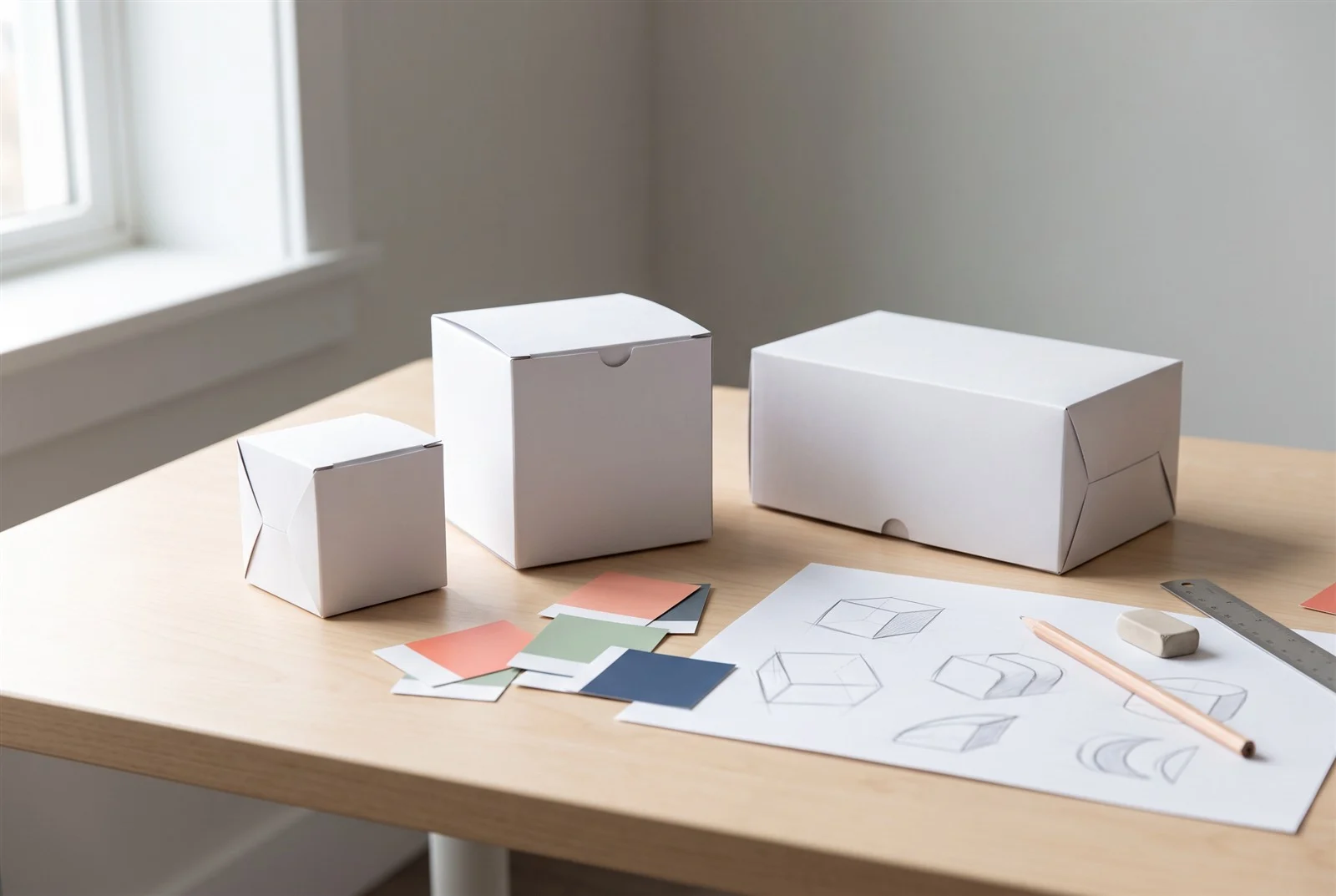
AI is good for ideas, not for final files. Image generators help you explore looks, colors and moods quickly, before you spend money on a designer’s time or on printing.
Here is where AI tools in packaging work well:
What AI does not know is your product: its size, how the box should open, what the label must say, or how the art wraps around the corners. That is where the real packaging work starts.
Not as it is. An AI image is a picture of a box, not a file a press can use. A printer needs a flat layout of every panel at your exact size, in print colors, with room for trimming.
These are the main problems with using an AI concept as artwork:
Most image generators export images that look sharp on a screen but turn soft or pixelated when stretched across a full box panel. Logos and small text suffer the most.
AI images are made in RGB, the color system of screens. Printing uses CMYK inks (cyan, magenta, yellow and black). Neon greens, electric blues and glowing gradients often print duller, so colors need to be converted and checked.
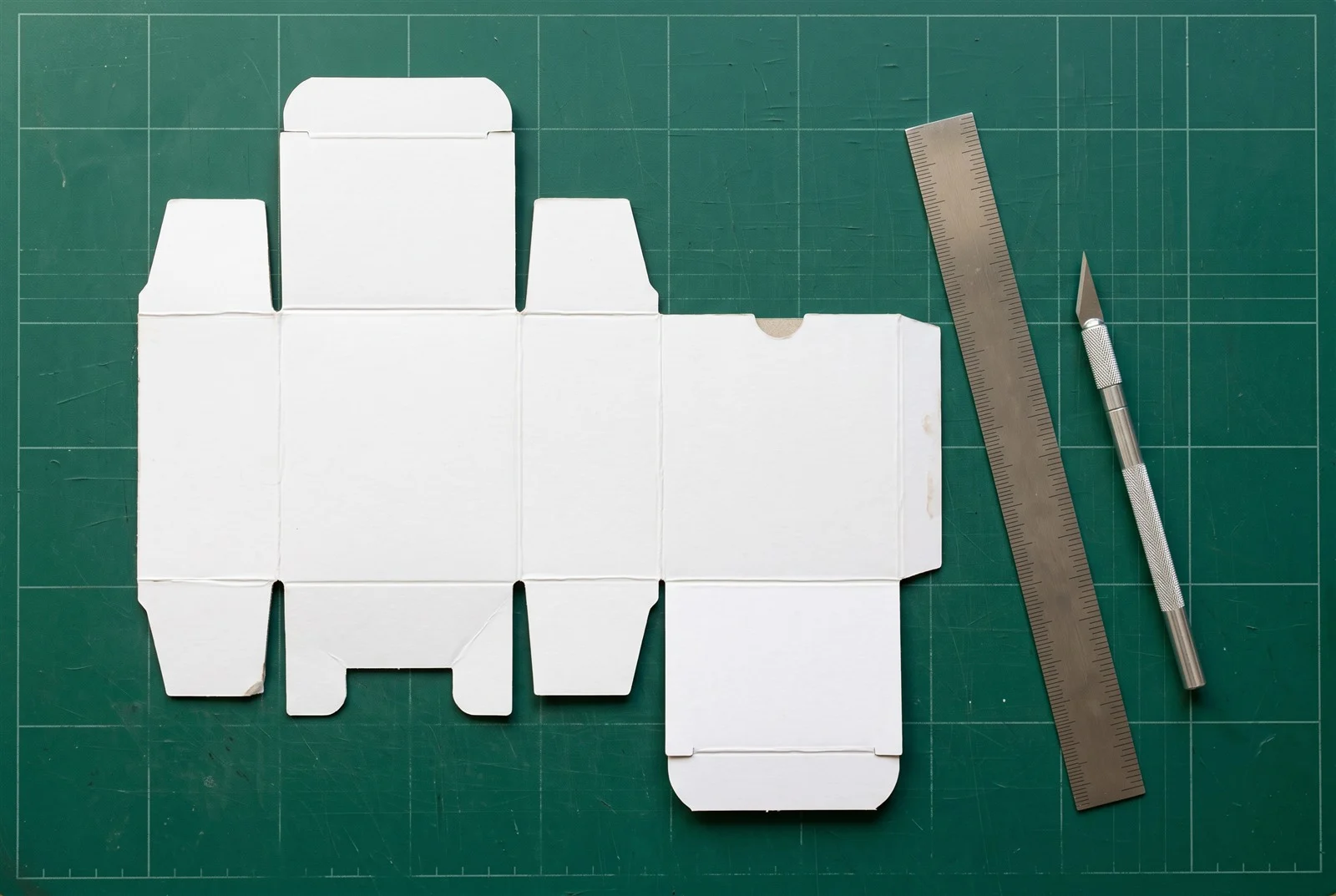
A box is printed flat, then cut, creased and folded. The flat template is called a dieline. An AI image shows a box from one angle, so the other panels are missing or do not match, and nothing has real measurements.
Print files need bleed (artwork that runs past the cut line, so no white edges show after trimming) and a safe zone (space inside the fold and cut lines that keeps text and logos from being cut off). AI images have neither.
AI often misspells words, invents letters or adds claims you never asked for, such as “organic” or “award winning.” Printing a claim you cannot back up can cause real trouble, so every word must be typed fresh and checked.
Each AI tool has its own commercial-use terms, and they change. Check the current terms before you put its output on a product you sell, and make sure the image does not resemble another brand’s logo or packaging.
This table shows what changes between the image an AI tool gives you and the print-ready file a packaging printer needs.
| Feature | AI image | Print-ready file |
|---|---|---|
| What it shows | One view of a box, as a picture | Every panel laid out flat on a dieline |
| Size | No real measurements | Built to your exact box dimensions |
| Resolution | Screen quality; blurs when enlarged | Vector logos and text; high-resolution images at full size |
| Color | RGB (screen color) | CMYK, plus Pantone where exact color matters |
| Bleed and safe zone | None | Bleed past every cut line; text kept inside safe areas |
| Text | Often misspelled or made-up letters | Real fonts, checked spelling, your approved claims |
| Barcode and required info | Fake or missing | Your real barcode, ingredients, warnings and contact details |
| Finishes | Only suggested by the look | Separate layers for foil, spot UV or embossing |
| File type | PNG, JPG or WebP | Print-ready PDF plus an editable source file |
There is no single best AI for packaging design. Any of the popular image tools can produce a useful concept, and none of them produces a print-ready box file. Pick the one you find easiest to work with.
A neutral look at the tools brands mention most often:
There are also AI packaging design generator and AI packaging mockup generator tools that place art on a 3D box. They show an idea well, but the box is a generic template, not your real size or style. Whatever tool you use, the next steps are the same.
You rebuild it on a real dieline. The AI image becomes the reference, and the final file is made from scratch around your product. Here are the steps.
Decide how the box will be used. Shipping to customers usually calls for a custom mailer box. A retail shelf product often fits a straight tuck-end box. A premium gift may need a rigid box. Our guide to mailer boxes vs. tuck-end boxes explains the difference.
Measure your product and decide the inside dimensions of the box. Our guide on how to measure a box walks you through length, width and depth.
The dieline is the flat template with cut lines, fold lines and glue areas. Every panel of your design goes on it. When you print with us, the dieline is free.
Logos, shapes, patterns and text are redrawn as vector art, which stays sharp at any size. Photos and textures are recreated or replaced with high-resolution images.
Colors are set up in CMYK for print. If a brand color must match exactly, it can be printed as a Pantone color instead. Expect some screen colors to shift, so judge color on a proof, not on your monitor.
Background art is extended past every cut line, and all text and logos are moved inside the safe area, away from folds and edges.
All copy is typed with real, licensed fonts and checked for spelling. Remove any claim the AI invented that you cannot support. Add your barcode, ingredients, warnings, website and any other required details.
A 3D mockup shows the finished design folded into your real box shape, so you can catch problems on the sides and top. Then a proof confirms the file before production. With a print order, the digital proof is free, and physical samples take 5–7 days if you want one in hand.
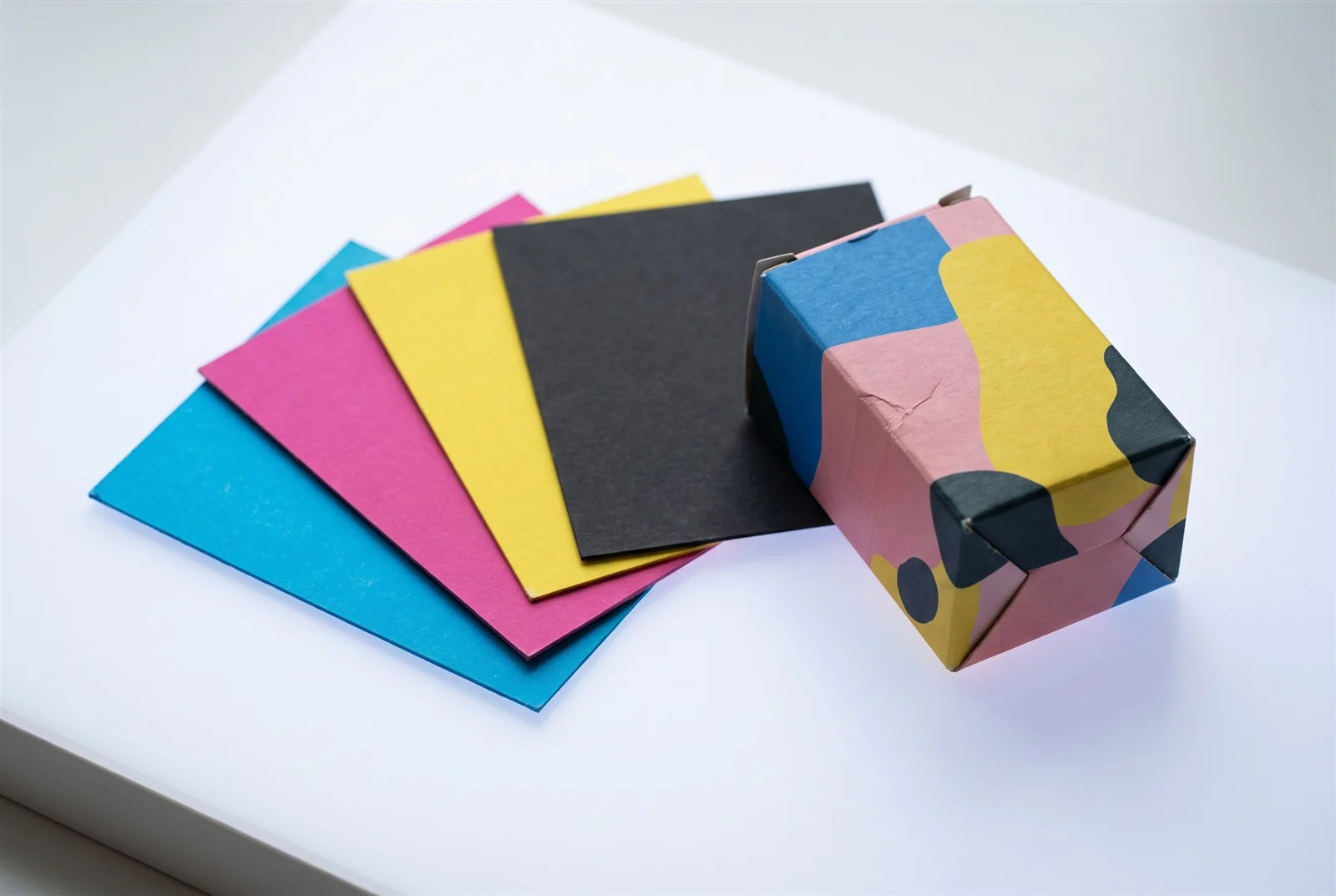
If you have an AI concept you love but no packaging designer, a human + AI packaging design service is the simplest route to a printable box. You bring the AI idea, and a packaging designer rebuilds it as a real file.
Our AI Design to Print-Ready package is made for exactly this. For $175 for one box, you get:
If you print with us instead, design help, the dieline and a digital proof are free with your print order. See all options on our packaging design services page.
Not really. AI makes it easy to copy whatever look is popular, so many boxes start to look alike. Use AI to explore, then pick the direction that fits your product and your customer.
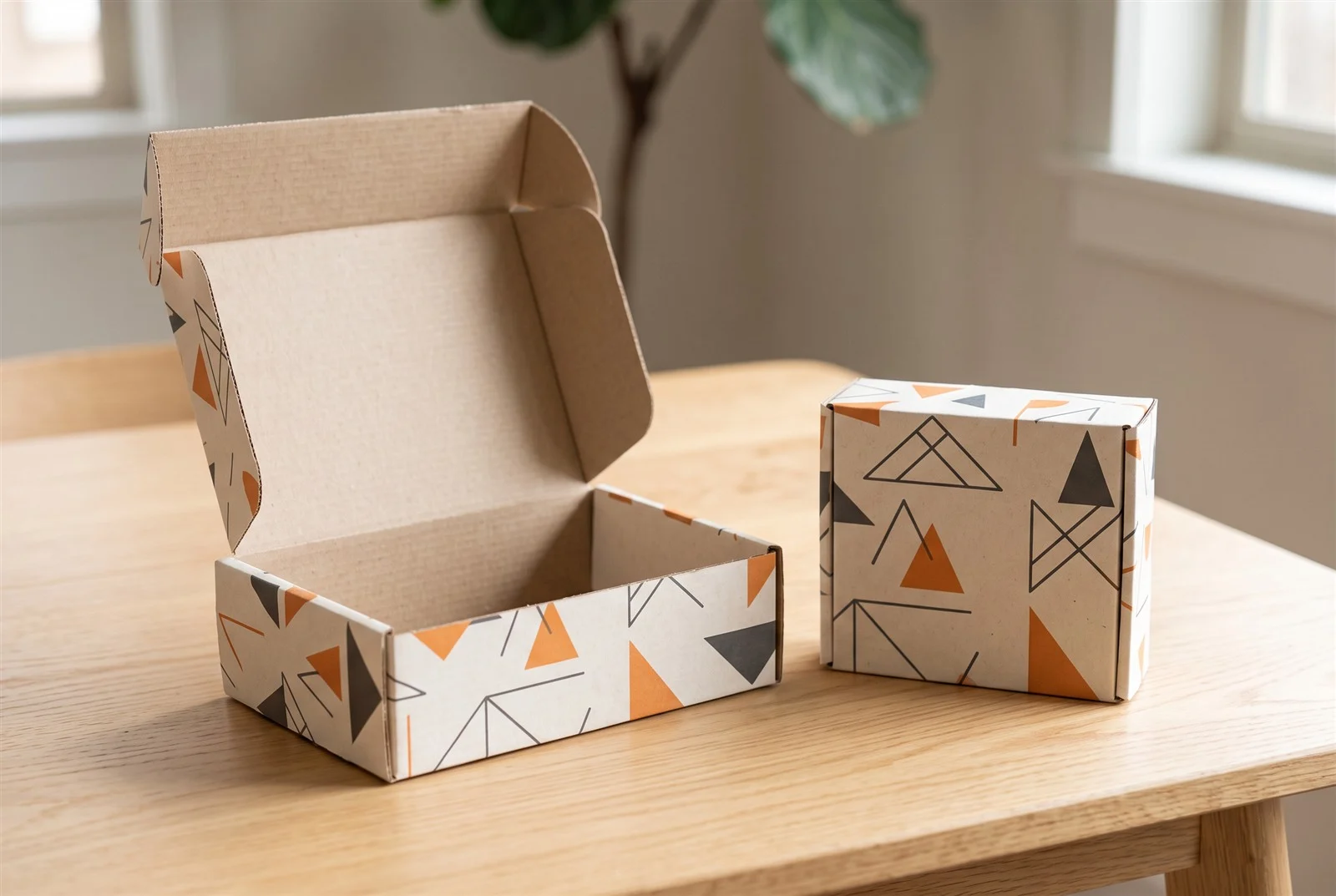
The minimum order is 100 boxes per design and per size. Browse all packaging categories, or request a quote with your AI concept attached. You can also reach us on WhatsApp at +1 (214) 204-1730 or by email at info@propackagingline.com.
You can send it as a reference, but not as the print file. It needs a dieline, the right size, CMYK color, bleed, real text and vector art before it can be printed.
There is no single best tool. Midjourney, ChatGPT, Adobe Firefly and DALL·E can all create useful concepts. None of them creates a print-ready box file, so a designer still has to rebuild the design.
AI images are made in RGB screen color, and printing uses CMYK inks. Very bright colors often print duller. A proof shows the real result before production.
An AI image does not give you a usable dieline with exact cut and fold lines for your product size. A dieline is made from your box style and dimensions. We provide it free with every print order.
Our AI Design to Print-Ready package costs $175 for one box. It includes a custom dieline, artwork for every panel, 5 revisions, 1 3D mockup, a print-ready PDF and an editable AI source file, delivered in 3 days.
Production takes 8–10 business days after you approve the proof, and 10–12 business days for rigid and specialty boxes. The minimum order is 100 boxes per design and size.
This guide was written by the Pro Packaging Line team, a custom packaging printer based in Dallas, Texas. Learn more about us.
Get in touch — we're happy to send a free first-pass concept for your packaging project.